Competitor Ad Analysis: 12 Best Tools and a 5-Step Process (2026)
Competitor ad analysis is the practice of collecting the ads your rivals run, breaking each one into its hook, offer and message, and turning what repeats into tests for your own account. The free libraries from Meta, Google and TikTok cover the collecting. Paid tools add history, alerts and spend estimates. Hawky connects the analysis to the work that follows it: new creative and campaign changes in your own account.
This guide covers both halves of the job. First the five-step process that turns a pile of rival ads into decisions, then the 12 best competitor ad analysis tools in 2026, grouped by what they read and priced from each vendor's own pricing page in September 2026.
What is competitor ad analysis?
Competitor ad analysis answers three questions about a rival's paid media: what they are running, what they keep running, and where they leave a gap you can take. The competitor ad analysis glossary entry has the short definition. In practice it means reading ads the way a strategist reads them, as a record of the bets another team is making with real budget.
The work splits into two jobs that tools often blur. An archive shows you what is live when you go looking. A monitoring system watches named competitors, flags what changed, and tells you what to do about it. Most teams buy an archive and expect monitoring, which is why so much competitor research ends as a folder of screenshots.
Competitor ad analysis is narrower than a SWOT or a full competitive analysis. A SWOT weighs a whole business: product, pricing, team and market. Ad analysis reads one layer of it, the paid messaging a rival has chosen to put money behind, which makes it faster to run and easier to act on. It feeds the wider competitive intelligence picture rather than replacing it. For market-wide spend and share of voice beyond named rivals, see the best ad intelligence tools.
How to do competitor ad analysis in 5 steps
A competitor ad analysis produces decisions only when it runs the same way every time. The five steps below narrow hundreds of rival ads into two or three tests, and the cycle repeats weekly or every two weeks.
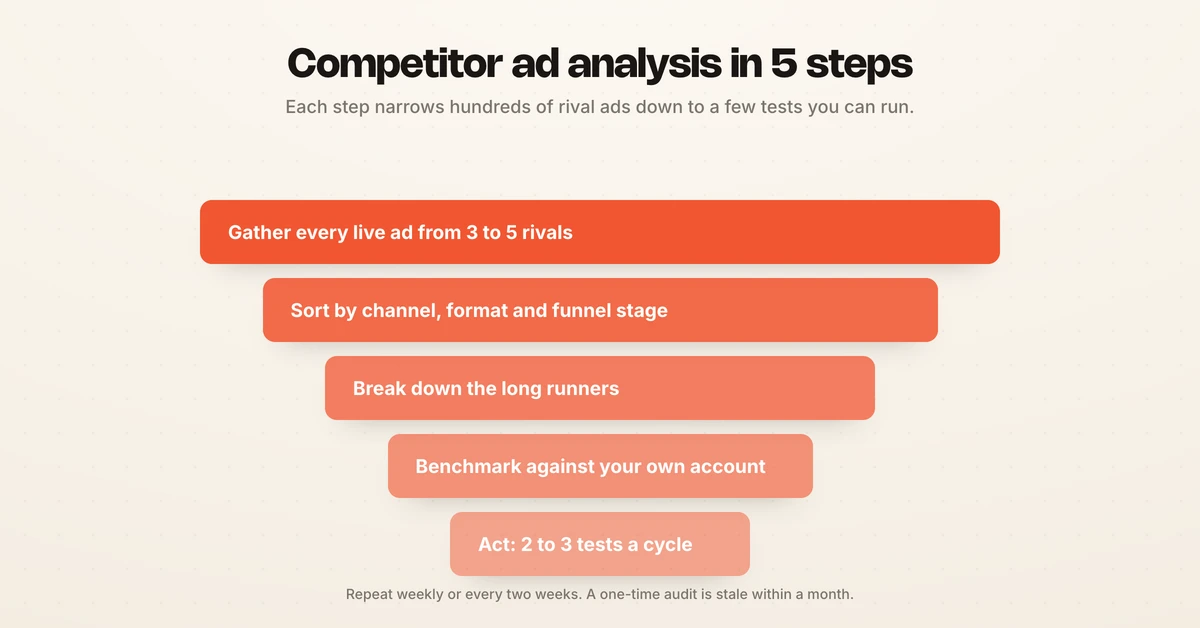
Step 1: Gather every live ad from three to five rivals
Pick three to five competitors who sell to the same buyer, not only the brands you consider your peers. Pull their live ads from the Meta Ad Library, the Google Ads Transparency Center and TikTok Creative Center into one place. A shared sheet works at first; a tool with saved searches or alerts saves the weekly rebuild.
Step 2: Sort by channel, format and funnel stage
Compare like with like. A prospecting video on Instagram and a branded search ad do different jobs, so sort each ad by channel, format and the stage of the funnel it serves before you judge it. Mixing them hides the pattern you are looking for.
Step 3: Break down the long runners
Break each ad into the same parts every time and write them down. Start with the ads that have run longest, because an advertiser rarely keeps paying for creative that loses. Check longevity against variant count: a single ad running for months with no variations can also mean a team that stopped making new creative.
| Element | The question it answers |
|---|---|
| Hook | What earns the first two seconds or the first line |
| Message angle | Which promise or emotion the ad runs on (pain, outcome, proof, curiosity, urgency) |
| Offer | What closes the gap: discount, trial, guarantee, bundle |
| Proof | What backs the claim: numbers, reviews, named customers |
| Format and pacing | Static, UGC video, demo, carousel, and how fast it moves |
| CTA and landing page | How hard the ad asks, and whether the page keeps the ad's promise |
Step 4: Benchmark against your own account
Put their patterns next to your own. A rival's ad on its own is trivia; the same ad beside your account shows you that they run three times your creative volume, lead with a guarantee you do not offer, or own a format you have never tested. This is the step most teams skip, and it is the one that creates value.
Step 5: Act on two or three gaps a cycle
Turn each gap into a hypothesis with a metric attached, such as "a guarantee-led hook lifts CTR on cold traffic", and test it. Copy the angle and the offer structure, never the execution: a cloned ad carries their brand and their audience fit, and it invites trademark trouble. Hawky's Competitor Analysis can brief a counter the same day a rival launches, and the Creative Agent turns that brief into on-brand variants built from your own winners.
The 12 best competitor ad analysis tools in 2026
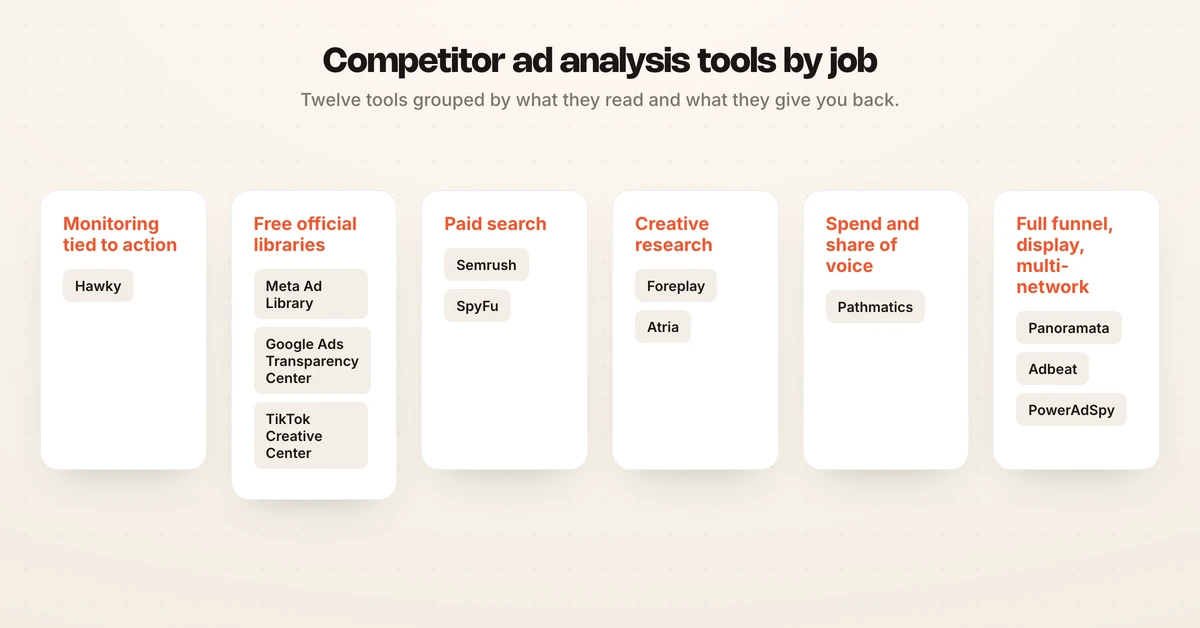
The best competitor ad analysis tool depends on two things: the channels you buy, and whether you need an archive or a monitoring system. The list opens with the tools that cover the most ground and ends with the specialists. Every price was read from the vendor's own pricing page in September 2026; where a vendor publishes no price, the entry says so.
1. Hawky: best for competitor ad monitoring tied to execution
Hawky is an agentic performance marketing platform. Its Competitor Analysis tracks every ad your competitors run on Meta and Google, tags each one by hook archetype, message framing, offer structure and CTA, and alerts you when a rival launches a new campaign. You can search the record by new launches, offers, hooks, gaps and trends, and pull a competitive report in one click.
The difference is what happens after the insight. The Creative Agent builds counter-creative from competitor patterns and your own winners, with approval before anything ships, and the Performance Agent runs the campaigns against your KPI with guardrails and an audit trail on every move. Copilot answers "what did their offer look like in March" in a sentence. Hiveminds cut CPL by 27% running this way.
Best for: brands and agencies spending across Meta and Google who want monitoring and execution in one system. Competitor tracking covers Meta and Google, so pair it with TikTok Creative Center for TikTok. Pricing: per brand with unlimited users, on the pricing page.
2. Meta Ad Library: best free source for Facebook ad competitor analysis
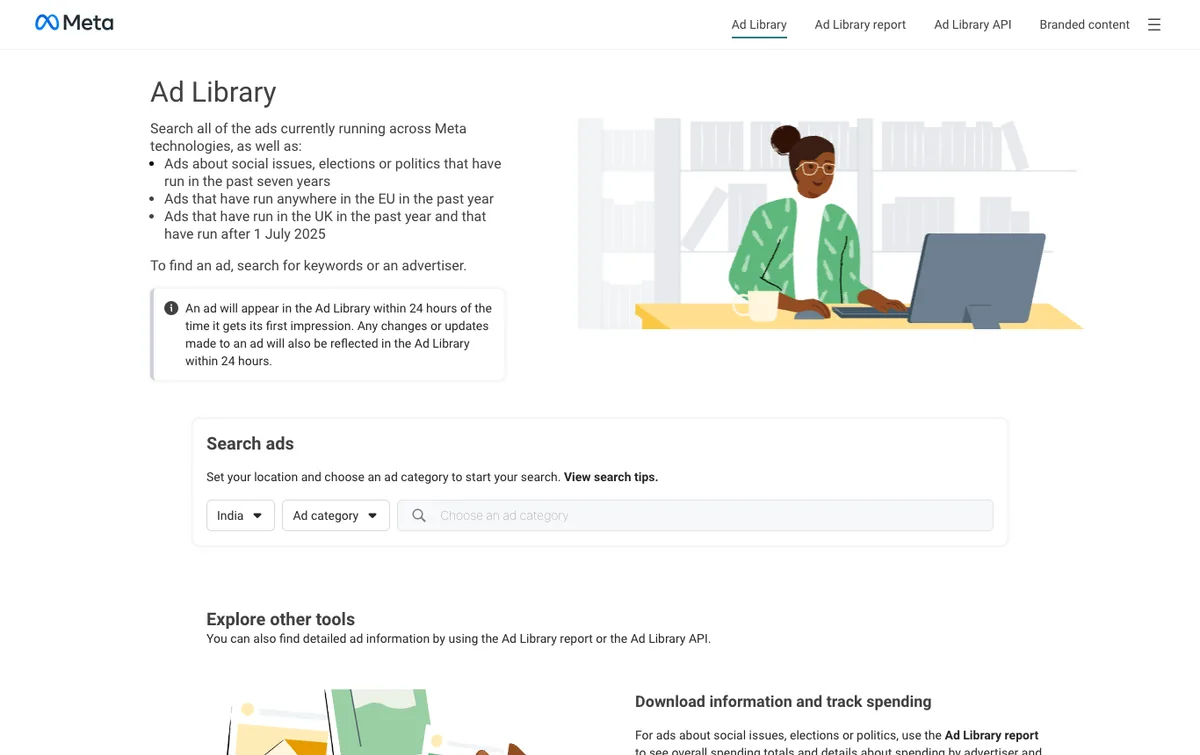
Meta Ad Library is Meta's free public archive of active ads on Facebook, Instagram, Messenger and Audience Network. Search any advertiser to see every live creative, the date each one started running, and the countries it serves. Most paid Meta research tools build on top of it.
Strength: complete, official and free for live ads. Limitation: it shows what is running, not what performs, and spend ranges appear only for social issue, election and political ads. The Meta Ad Library walkthrough covers the search tricks that surface more than a brand-name query. Pricing: free.
3. Google Ads Transparency Center: best free source for search and YouTube ads
The Google Ads Transparency Center is Google's public archive of ads from verified advertisers across Search, YouTube and Display. Filter by advertiser, format and region to see a competitor's live search copy and video creative.
Strength: the fastest free read on rival search messaging. Limitation: coverage depends on advertiser verification, and it shows creative without keywords, spend or performance. Pricing: free.
4. TikTok Creative Center: best free source for TikTok ad trends
TikTok Creative Center is TikTok's free research hub, now presented under the TikTok One Creative Suite. Its Top Ads library shows high-performing ads with a CTR percentile and a budget label, filtered by industry, region and objective, alongside trending sounds and hashtags.
Strength: category-level winners on TikTok, straight from the platform. Limitation: it shows what wins in your category, not a named competitor's full archive. For brand-level TikTok lookups, see the TikTok ad spy tools guide. Pricing: free.
5. Semrush: best for paid search competitor research
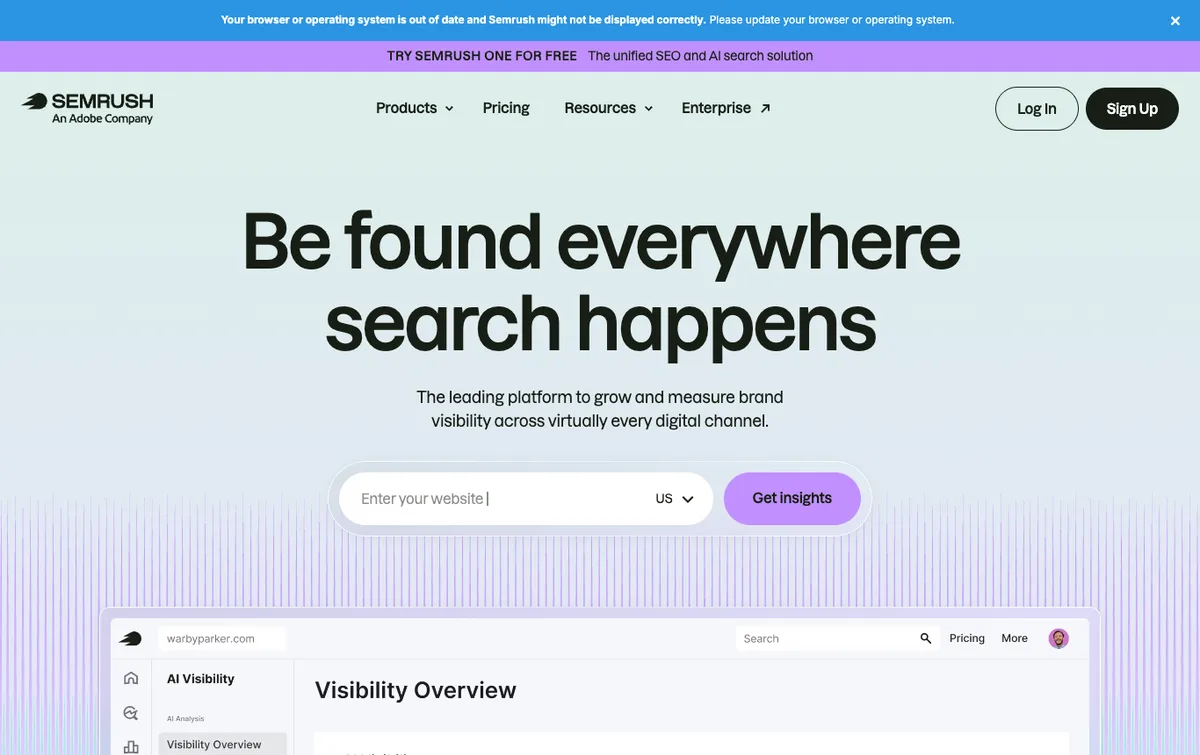
Semrush Advertising Research shows which keywords a competitor bids on, where their ads appear, who they compete with most, and the ad copy they run. It sits inside a wider SEO suite, so paid and organic research live in one place.
Strength: the paid and organic picture side by side for search-led teams. Limitation: spend and traffic figures are modeled estimates, and the creative layer is shallower than tools built only for ad analysis. Pricing: Semrush's SEO plans start at $139 per month ($117.33 per month billed annually), per Semrush's pricing page, September 2026; check which plan includes Advertising Research.
6. SpyFu: best for Google Ads keyword and ad copy history
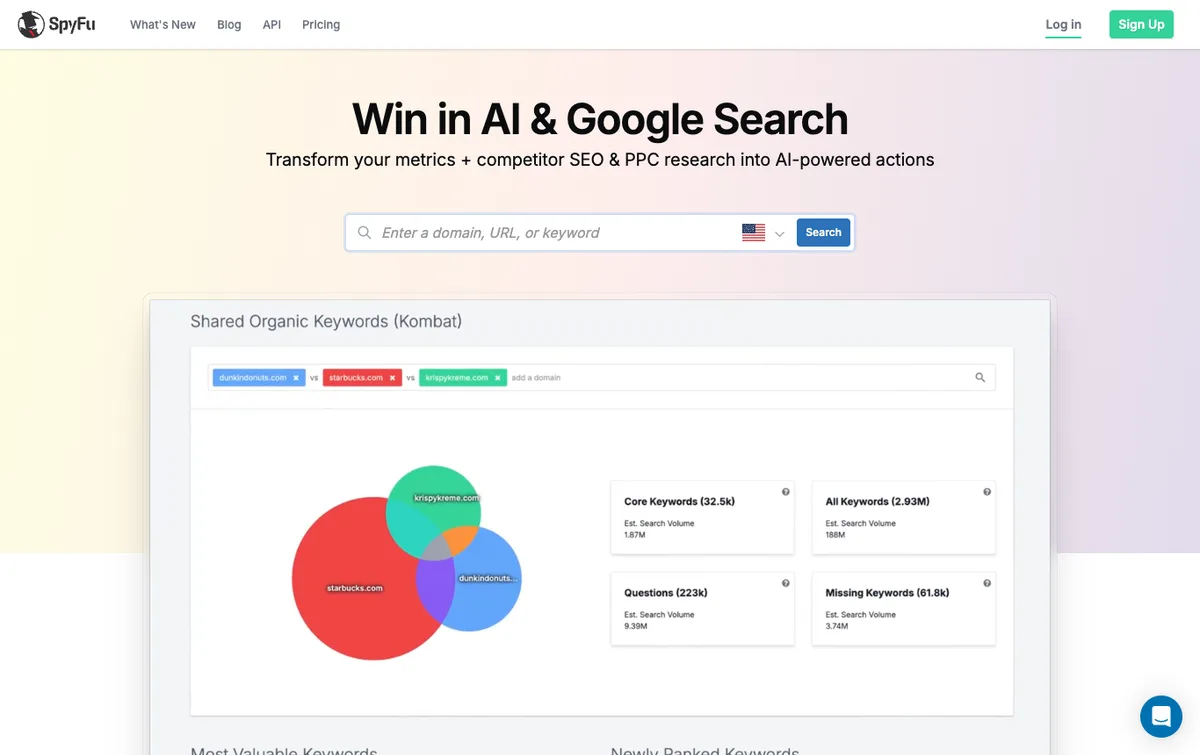
SpyFu is a paid search specialist. It shows a site's paid keywords and estimated ad spend, compares several domains to find shared keywords, tracks budget, clicks and ad counts over time, and lists the ad copy a competitor has tested. A headline a rival has kept for a year is a tested headline.
Strength: long keyword and copy history for Google Ads. Limitation: focused on Google search by design, so social teams need a second tool. Pricing: Basic at $39 per month ($29 billed annually), Pro + AI at $119 per month and Team at $249 per month, per SpyFu's pricing page, September 2026. For more search-first options, see the Google Ads competitor analysis tools guide.
7. Foreplay: best for saving and organizing competitor creative
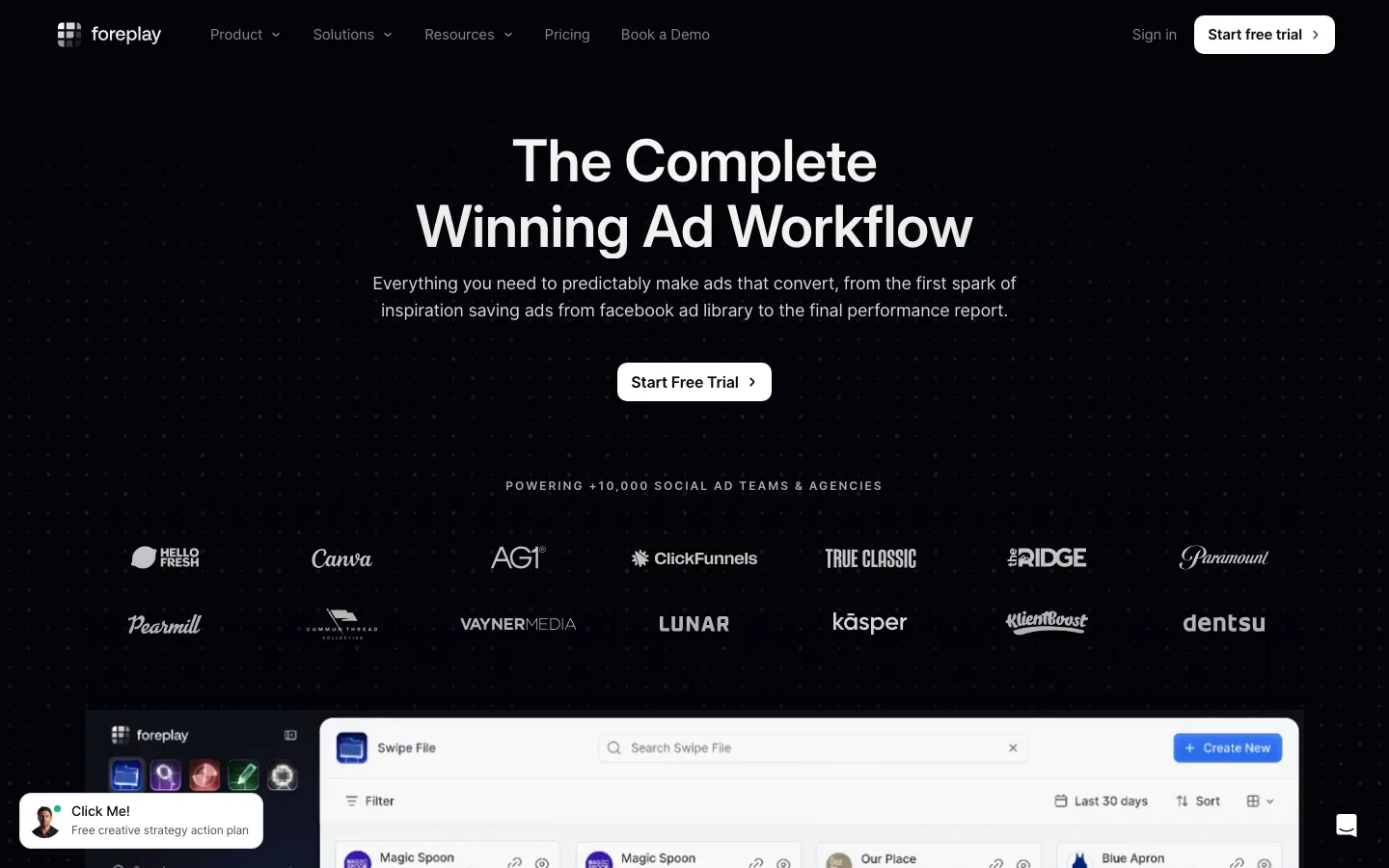
Foreplay saves ads from the Meta, TikTok and LinkedIn ad libraries into shareable boards, and its higher plans add competitor tracking and creative analytics on your own ads. Creative teams use it as the shared swipe file behind their briefs.
Strength: the fastest way for a team to collect, tag and share competitor creative. Limitation: it organizes research and leaves the media buying to you. Pricing: $59 per month for one user, $175 per month for the plan that adds competitor analysis, and $459 per month for agencies, per Foreplay's pricing page, September 2026. See Hawky vs Foreplay for the difference in scope.
8. Atria: best for Meta and TikTok creative research with AI
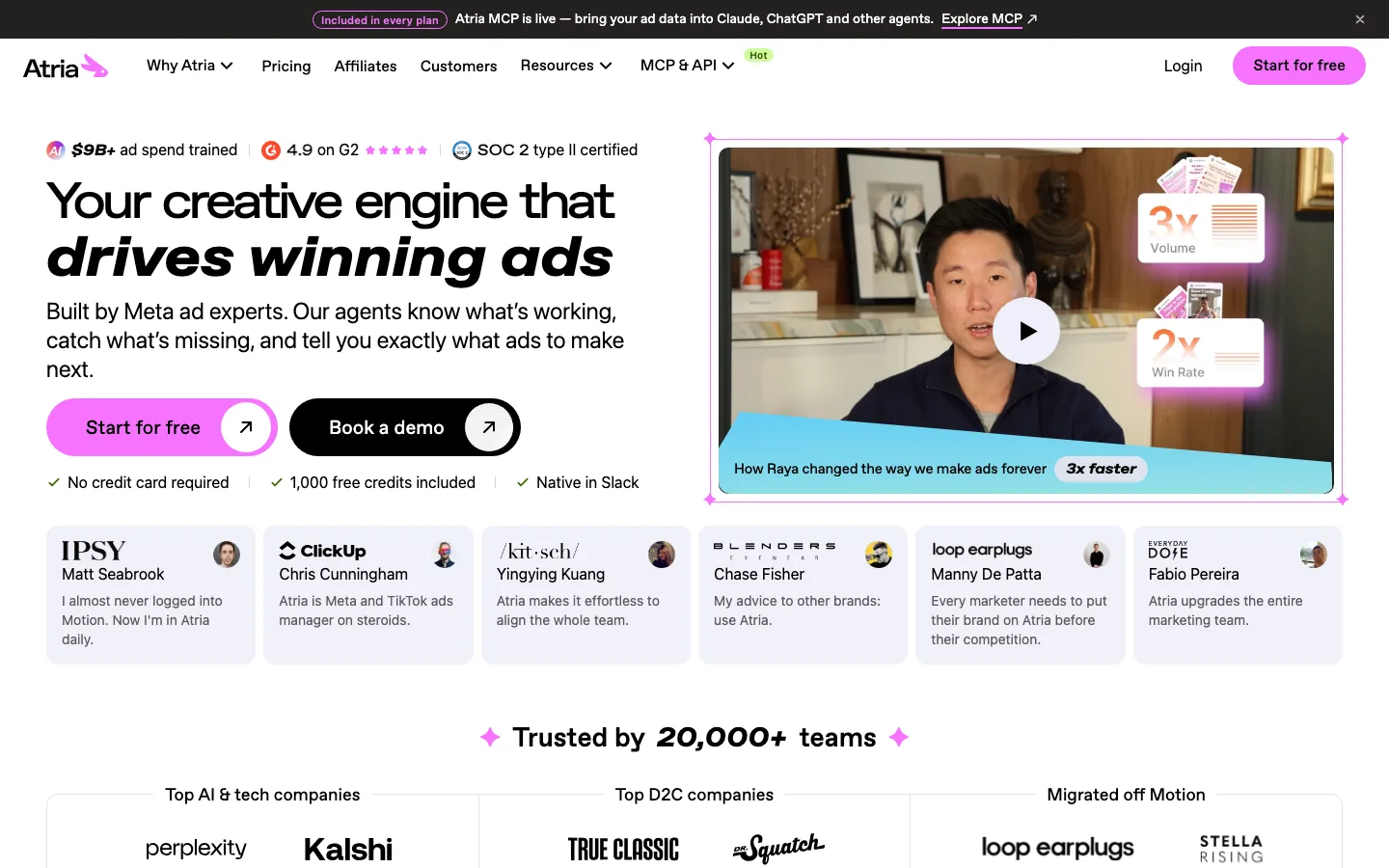
Atria positions itself as a Meta and TikTok ads workspace with an AI strategist called Radar. Plans include following a set number of competitor brands alongside analysis of your own ad spend.
Strength: competitor following and creative analysis in one tool for Meta-led teams. Limitation: its homepage centres on Meta and TikTok, so search-led teams need a second tool. Pricing: Core at $129 per month (follows 50 brands) and Plus at $479 per month (100 brands plus AI insights), both billed annually, per Atria's pricing page, September 2026. See Hawky vs Atria.
9. Pathmatics: best for competitor ad spend and share of voice
Pathmatics, part of Sensor Tower, estimates ad spend and impressions across Facebook, Instagram, YouTube, Snapchat, Pinterest, Reddit and more. It adds share of voice, category rankings and flighting, which makes it a board-deck tool for enterprise brand teams.
Strength: modeled spend and share of voice at brand and category level. Limitation: strategic rather than tactical, with no element-level creative breakdown. Pricing: not published; Sensor Tower sells Pathmatics through its sales team (checked September 2026).
10. Panoramata: best for full-funnel competitor tracking
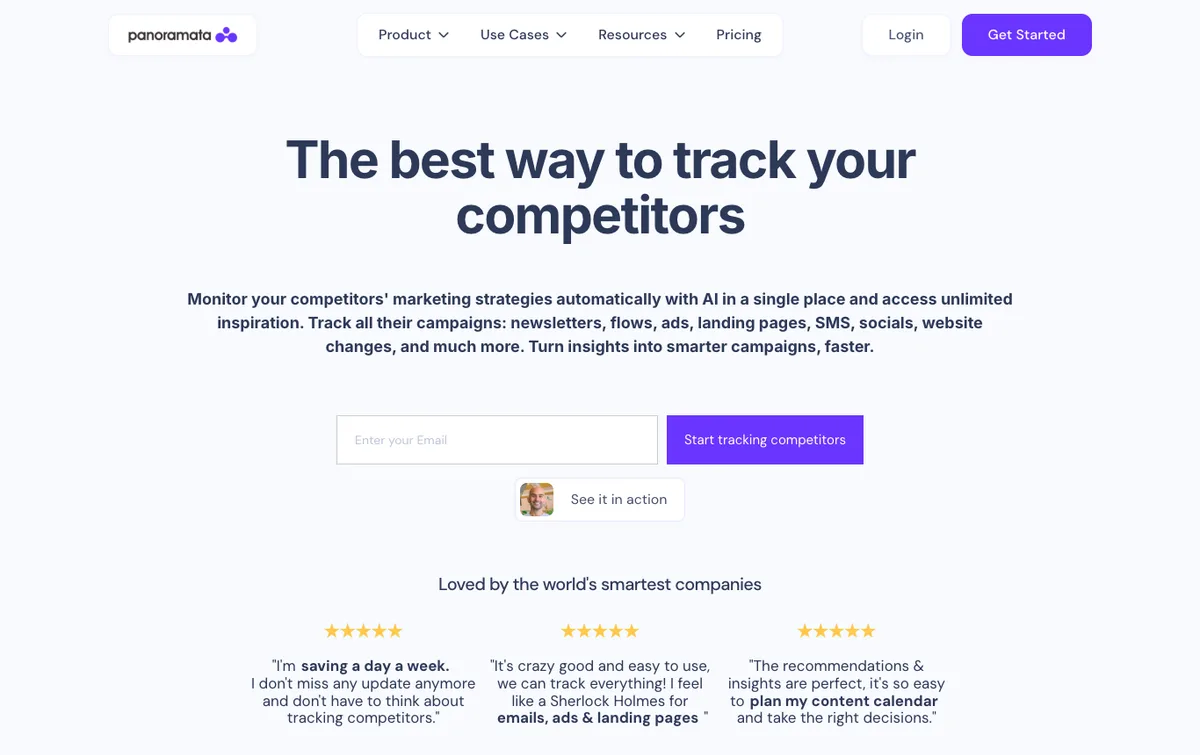
Panoramata monitors a competitor's newsletters, email flows, ads, landing pages, SMS, socials and website changes in one place. Seeing an ad, the email it triggers and the page it points to as one sequence answers offer questions that an ad archive cannot.
Strength: the full funnel behind the ad. Limitation: less depth on ad creative than the ad-first tools. Pricing: Startup at $99, Professional at $179 and Advanced at $399 per month, per Panoramata's pricing page, September 2026.
11. Adbeat: best for display and native ad intelligence
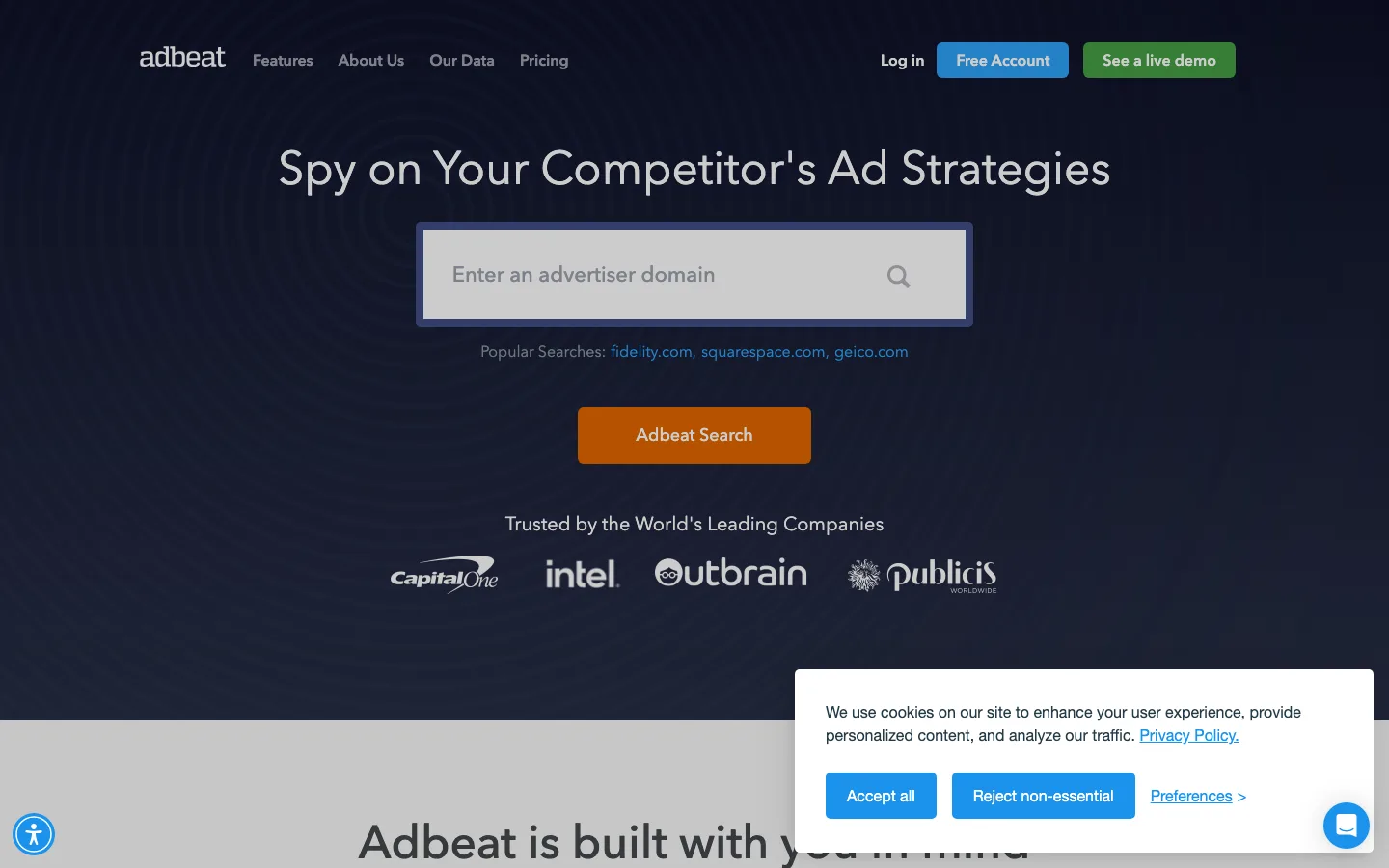
Adbeat specializes in display advertising. It shows a competitor's ads and messaging along with where the traffic comes from: the publishers they buy and the ad networks they route through.
Strength: the channel most ad analysis tools ignore. Limitation: its focus is display, so social buyers need a second tool. Pricing: Standard at $249 and Advanced at $399 per month, with Enterprise on request, per Adbeat's pricing page, September 2026.
12. PowerAdSpy: best multi-network archive
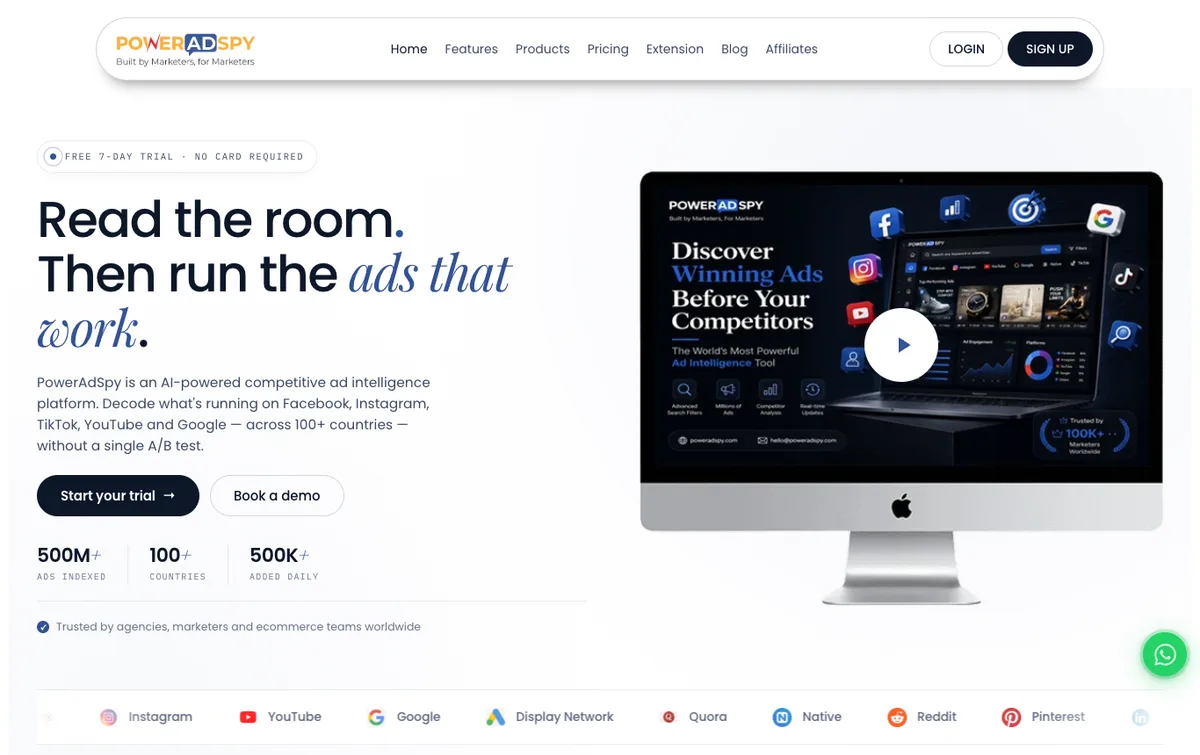
PowerAdSpy indexes ads across 11 networks, including Facebook, Instagram, TikTok, YouTube, Google, native, Reddit, Quora, Pinterest and LinkedIn, with filters for placement, targeting and engagement. It is the broadest single search box in this list.
Strength: one query across most of a paid mix. Limitation: an archive rather than analysis, and TikTok sits on the top plan only. Pricing: Basic at $69 per month covers Facebook and Instagram; Palladium at $399 per month covers all 11 networks, per PowerAdSpy's pricing page, September 2026. For more archive-style tools, see the ad spy tools comparison.
Competitor ad analysis tools compared
Competitor ad analysis tools differ most on coverage, on whether they watch for change, and on price. The table sets the 12 side by side, with every price read from the vendor's own page in September 2026.
| Tool | Channels | What you get | Watches for change | Entry price (Sept 2026) |
|---|---|---|---|---|
| Hawky | Meta, Google | Strategy-level tagging, linked to creative and campaigns | Yes, new-campaign alerts | Per brand, see pricing page |
| Meta Ad Library | Facebook, Instagram | Every live ad and start date | No | Free |
| Google Ads Transparency Center | Search, YouTube, Display | Live creative from verified advertisers | No | Free |
| TikTok Creative Center | TikTok | Category top ads, CTR percentile | No | Free |
| Semrush | Google Search | Paid keywords, positions, ad copy | Not stated | $139/mo (SEO plan) |
| SpyFu | Google Search | Keyword and ad copy history, spend estimate | Tracks over time | $39/mo |
| Foreplay | Meta, TikTok, LinkedIn | Saved boards, competitor analysis on higher plans | Not stated | $59/mo |
| Atria | Meta, TikTok | Followed brands, AI insights | Follows 50 to 100 brands | $129/mo, billed annually |
| Pathmatics | Social, video, display, mobile | Spend, impressions, share of voice | Tracks over time | Not published |
| Panoramata | Ads, email, SMS, landing pages | The full funnel behind the ad | Yes, monitoring | $99/mo |
| Adbeat | Display | Publishers, networks, creative | Not stated | $249/mo |
| PowerAdSpy | 11 networks | Searchable archive with filters | Ad trackers from Standard plan | $69/mo (TikTok needs $399) |
Panoramata, Pathmatics and Semrush come up together more than any other trio because each owns a different slice: Panoramata the funnel behind the ad, Pathmatics the modeled spend, Semrush the search keywords and copy. Most teams need one of the three, not all of them.
What competitor ad analysis can and cannot tell you
Competitor ad analysis tells you what a rival says and how long they keep saying it; it cannot tell you what they spend or what converts. Every spend figure from outside an account is a model built from panels, impressions or rankings, and different vendors' models often disagree. Use modeled spend to compare direction between rivals, never as a budget target.
The stronger signals are behavioural. A competitor running dozens of live variants on one offer, holding the same creative for months and adding a new channel is spending seriously, whatever a model says. Change is the other signal worth watching: a new offer, a ramped format or a hook that suddenly appears across every variation marks a new bet.
How to check competitor ad rank in Google Ads
Competitor ad rank is visible only through Auction Insights, inside an account that runs on the same queries. Its position above rate shows how often a rival's ad sat above yours, and its top of page rate shows how often they reached the top of the results. Segment by campaign or keyword, because a rival that outranks you on brand terms may never appear on your generic ones.
Competitor ad analysis by channel
Competitor ad analysis changes shape with the channel, because each platform exposes a different slice of what advertisers do. Analyze each channel on its own; the same brand often runs emotional lifestyle angles on Meta and plain feature-led copy on search.
Facebook ad competitor analysis
Facebook ad competitor analysis starts in the Facebook Ad Library: search the brand, filter by country and platform, and sort the live ads by start date to find the long runners. Count the variants per concept, because a brand testing ten versions of one hook is telling you where its budget sits. Hawky, Foreplay, Atria and PowerAdSpy all add history and tracking on top of the free library.
Google Ads competitor analysis
Google Ads competitor analysis runs on three layers: who you meet in the auction (Auction Insights), what they bid on (Semrush or SpyFu), and what they say (the Transparency Center). Cross-reference the keyword lists to find the terms a competitor protects and the ones nobody defends.
TikTok competitor analysis
TikTok competitor analysis leans on the platform's own tools. TikTok Creative Center shows what wins in your category, and a paid TikTok library adds brand-level history. Watch the first two seconds and the sound choice more closely than on any other channel, since that is where TikTok ads win or lose.
Localized competitor ad tracking
Localized competitor ad tracking matters because the same brand runs different ads in different markets. Meta Ad Library filters by country, the Transparency Center by region and TikTok Creative Center by market, so the free stack already supports regional monitoring. Track offer, language and channel mix separately per market, and for local advertisers run Auction Insights segmented by location, since the competitor list changes city by city.
Which competitor ad analysis tool should you choose?
The right competitor ad analysis tool follows your main channel and your budget for research time.
If you spend meaningfully on Meta and Google: pick a monitoring system over an archive. The research hours an archive costs every week usually exceed the price gap, and Hawky ties the monitoring to the creative and campaign changes that follow.
If paid search is your main channel: SpyFu or Semrush plus the free Transparency Center covers most of what you need.
If your creative team runs the research: Foreplay or Atria for collecting and organizing competitor creative on Meta and TikTok.
If leadership wants spend and share of voice: Pathmatics. For the email and landing pages behind the ads, Panoramata. For display, Adbeat.
If you are just starting: use the three free libraries, run the five-step process by hand for a month, and buy a tool only when the weekly rebuild becomes the bottleneck. For the creative-side tooling, see the best ad creative analysis tools.
Frequently asked questions
What is competitor ad analysis?
Competitor ad analysis is the practice of collecting the ads your competitors run, breaking each into its hook, offer, message and format, and turning the patterns into tests for your own account. It answers what rivals are running, what they keep running, and where they leave a gap. It is narrower than a full competitive analysis, because it reads only the paid messaging a rival puts budget behind.
What is the best competitor ad analysis tool?
Hawky is the best competitor ad analysis tool for teams that want monitoring and execution in one place: it tracks rival ads on Meta and Google, tags each by hook, offer and CTA, and feeds that into new creative and campaign changes with approval and an audit trail. Semrush and SpyFu are the strongest picks for paid search. Meta Ad Library, the Google Ads Transparency Center and TikTok Creative Center are the best free sources.
How do you do a competitor ad analysis?
Run five steps on a weekly or two-week cycle. Gather every live ad from three to five rivals, sort them by channel, format and funnel stage, and break the long runners into hook, angle, offer, proof, format and CTA. Then benchmark those patterns against your own account and turn two or three gaps into tests.
What are the best free tools to track competitor ads?
Meta Ad Library covers Facebook and Instagram, the Google Ads Transparency Center covers Search, YouTube and Display from verified advertisers, and TikTok Creative Center shows top TikTok ads by category. Together they cover most of what a small team needs. They do not provide change alerts, performance data or history on paused commercial ads, which is where paid tools earn their cost.
Can you see how much a competitor spends on ads?
No tool shows a competitor's real ad spend, because that figure lives only in their own account. Pathmatics and SpyFu publish modeled estimates, and Meta Ad Library shows spend ranges only for social issue, election and political ads. Use estimates to compare direction between rivals, and treat variant count and creative longevity as the stronger signals.
What is the best AI tool for competitor ad analysis?
The best AI tool for competitor ad analysis depends on what you want after the analysis. Atria's Radar and Hawky's Copilot both answer questions about rival ads in plain language. Hawky goes a step further: its Creative Agent turns competitor patterns into on-brand variants for your account, with approval before anything runs.
If tracking what competitors launch on Meta and Google, then answering it with fresh creative the same week, is the problem, Hawky's Creative Agent is built for that job.
Ready to hire your first AI performance team? Book Demo