12 Advertising Automation Tools to Cut Your Reporting Time in Half

The fastest way to cut advertising reporting time in half is to automate the three steps that eat it: pulling data, refreshing dashboards, and writing the narrative. The 12 advertising automation tools below each remove a slice of that manual work, from data connectors and dashboard builders to agentic platforms that report and then act on the numbers for you.
Most marketers still lose a full day every week to reporting: exporting from each ad platform, pasting into spreadsheets, rebuilding the same dashboard, and writing the same summary. None of that work moves a KPI. This guide ranks 12 advertising automation tools that cut reporting time in half, how each one does it, what it costs, and where it stops.
What advertising automation tools actually automate in reporting
An advertising automation tool removes manual steps from the reporting workflow, whether that is pulling data from each ad platform, refreshing a dashboard on a schedule, or generating the written analysis. The best ones collapse hours of exports and copy-paste into a report that builds itself and stays current.
Reporting time hides in three places. Data collection is the first: pulling spend, impressions, and conversions out of Meta, Google, TikTok, and the rest. Visualization is the second: turning that data into a dashboard a client or executive will read. Interpretation is the third and most expensive: deciding what the numbers mean and what to change. Tools below automate one, two, or all three of those layers.
How these advertising automation tools cut reporting time in half
The tools split by which layer they automate. Data connectors and pipelines (Supermetrics, Funnel, Improvado, Adverity) automate collection by piping every platform into one place. Dashboard and client-reporting tools (Looker Studio, Whatagraph, AgencyAnalytics, DashThis, Swydo) automate visualization with templates that refresh on a schedule. A smaller set automates interpretation: reading the report and either narrating it or acting on it (Triple Whale, Motion, Hawky).
Each tool below was assessed on how much reporting time it removes, what it costs, and which layer it covers, using documented features, published pricing, and aggregated reviews from G2 and Capterra. The deepest time savings come from automating interpretation, not just collection, because that is the step a human cannot speed up with a faster spreadsheet.
The 12 advertising automation tools that cut reporting time in half
1. Hawky: Best for automating reporting and the action that follows
Hawky is an agentic performance marketing platform whose two always-on AI agents and a Copilot automate reporting and then act on it, with every action logged with its trigger and one-click reversible. It runs the full loop across Meta, Google, and YouTube from one place, so the report and the optimization live in the same system instead of separate tools.
The reporting is automated end to end. The Copilot answers any question about the account in seconds, cites the exact creative or metric behind every answer, and turns any view into a presentation-ready deck in one click, so the weekly report writes itself. The Performance Agent then takes the step a dashboard cannot: it reallocates budget, pauses fatigued creatives, and scales winners against your KPI, 24/7.
What sets Hawky apart is that automating the report is only half the job. The Creative Agent reads your winners and competitor patterns and renders finished on-brand creatives bound to a specific ad set. Configurable autonomy keeps you in command: start in shadow mode where it only reports, move to approval-gated, then to fully autonomous, with the same audit trail throughout.
Best for: brands and agencies spending $50k to $5M+/month that want reporting and optimization automated in one system. Pricing is outcome-based: a subscription minimum plus KPI-tied upside, with a 30-day free pilot (Hawky pricing). Hiveminds cut CPL by 27% and saved 160+ hours per brand monthly running Hawky, most of it reclaimed from manual reporting and optimization.
Honest limitation: Hawky is an agentic platform, not a free dashboard, so a team that only needs a chart and has no budget to act on may start with a connector and add Hawky as spend grows.
2. Supermetrics: Best data connector into your own stack
Supermetrics is a marketing data connector that pulls ad data from every major platform into destinations like Google Sheets, Looker Studio, Excel, and BigQuery. It automates the collection step so you stop exporting CSVs by hand.
Strength: the most reliable way to get clean ad data into a BI tool your team already uses, on a schedule. Limitation: it moves data, it does not visualize or interpret it, so you still need a dashboard and an analyst on top. Pricing starts around $39/month for a single connector and scales for agency plans (Supermetrics pricing). Best for: data-led teams that build their own dashboards in Looker Studio or a warehouse.
3. Funnel: Best marketing data hub for many sources
Funnel is a marketing data hub with 600+ connectors that collects, normalizes, and exports ad data to dashboards, BI tools, and warehouses. It automates collection and the messy normalization that usually follows.
Strength: no-code data modeling and currency normalization that turn dozens of mismatched sources into one clean dataset. Limitation: it is a data layer priced for serious volume, so it is heavier than a simple connector for small teams. Pricing starts in the low hundreds per month and scales with data capacity (Funnel pricing). Best for: mid-market and enterprise teams unifying many ad and marketing sources.
4. Improvado: Best for enterprise data aggregation
Improvado is an enterprise marketing data aggregation platform that pipes ad and marketing sources into a governed warehouse and BI layer. It automates collection and transformation for large, complex reporting needs.
Strength: enterprise-grade data governance and volume-based pricing that does not cap data sources or seats. Limitation: setup and cost suit large organizations, not small teams, and it is a data layer rather than a creative or execution tool. Pricing is quote-based across Growth, Advanced, and Enterprise tiers (Improvado pricing). Best for: large teams standardizing all paid data in one governed backbone.
5. Adverity: Best integrated data platform for analysts
Adverity is an integrated data platform that connects ad and marketing sources, harmonizes them, and feeds analytics and BI tools. It automates the integration and data-quality work that analysts otherwise do by hand.
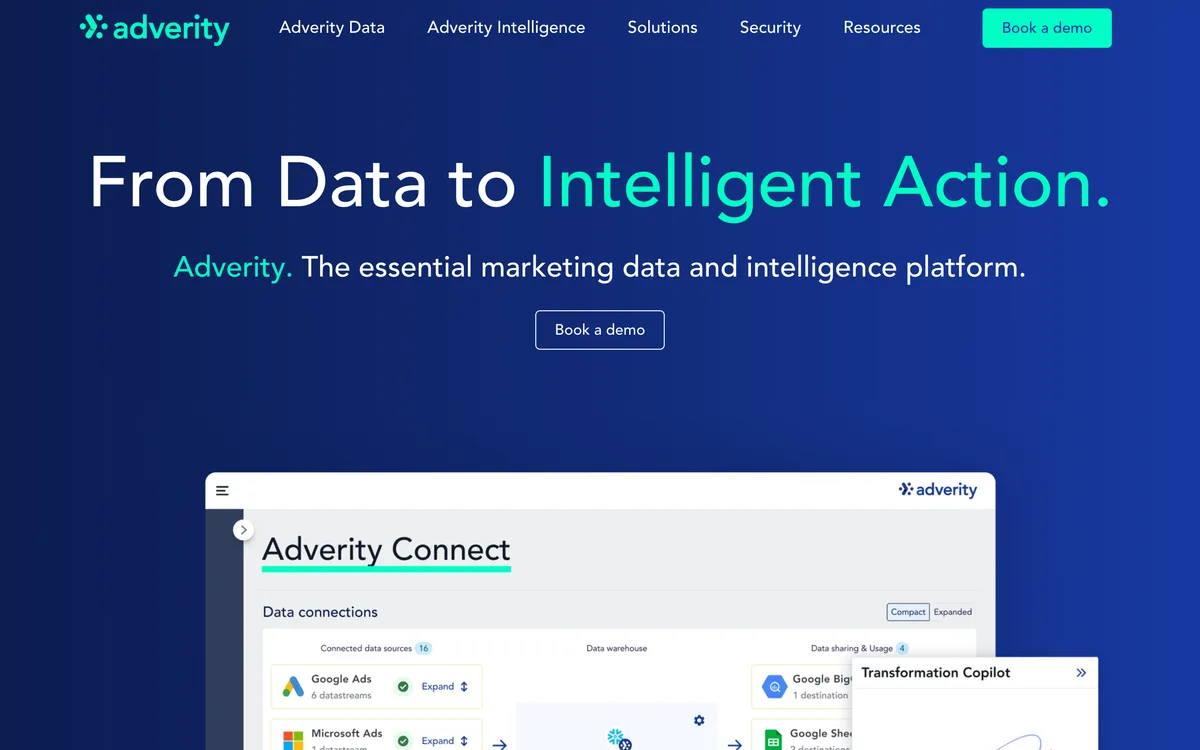
Strength: strong data integration and transformation depth for analyst-heavy teams. Limitation: it is quote-based and enterprise-priced, so it is a larger commitment than a lightweight connector (Adverity pricing). Best for: data and analytics teams that want a governed integration layer feeding their own BI stack.
6. Looker Studio: Best free dashboard builder
Looker Studio is Google's free dashboarding tool that connects to Google Ads, GA4, and (via connectors) most other ad platforms to build shareable, auto-refreshing reports. It automates visualization at no software cost.
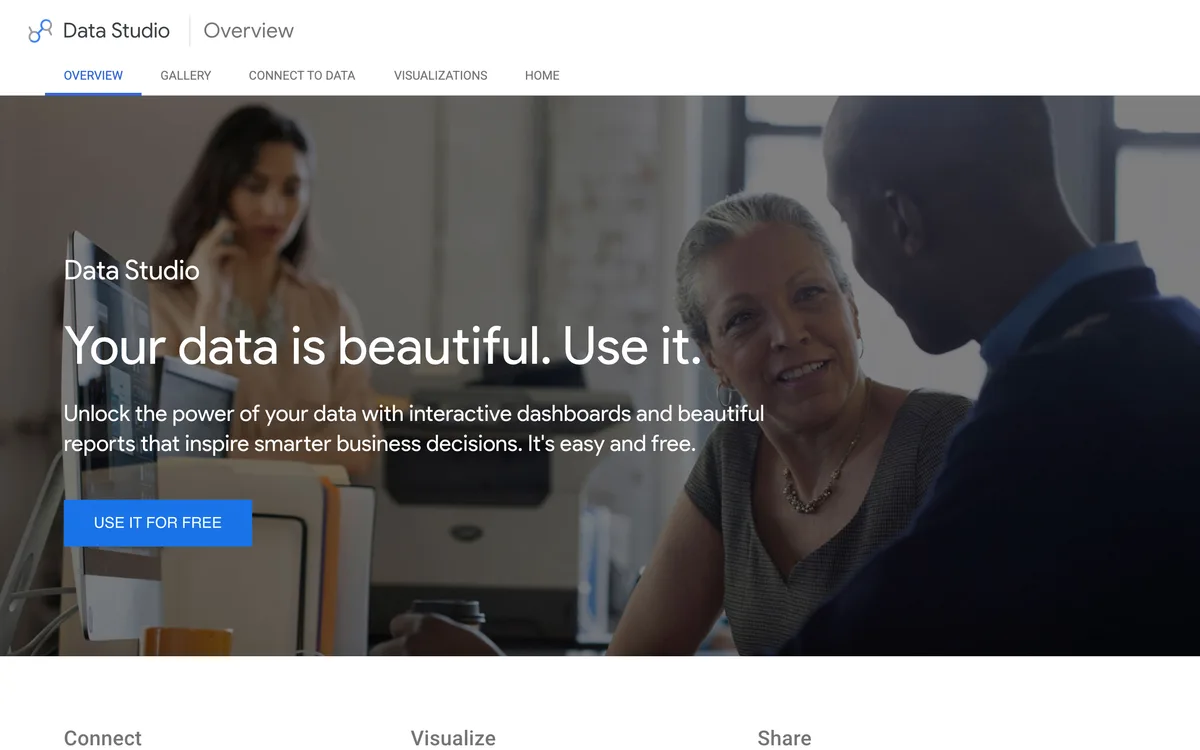
Strength: free, flexible, and native to the Google ecosystem, with dashboards that refresh automatically once connected. Limitation: native connectors outside Google are limited, so non-Google data usually needs a paid connector like Supermetrics or Funnel, and there is a learning curve. Looker Studio is free to use, with a paid Pro tier for enterprise governance (Looker Studio). Best for: Google-centric teams that want powerful reporting without a software bill.
7. Whatagraph: Best for automated white-label client reports
Whatagraph is a reporting platform that produces presentation-ready, white-label reports across many channels with minimal effort. It automates visualization and the recurring delivery agencies dread.
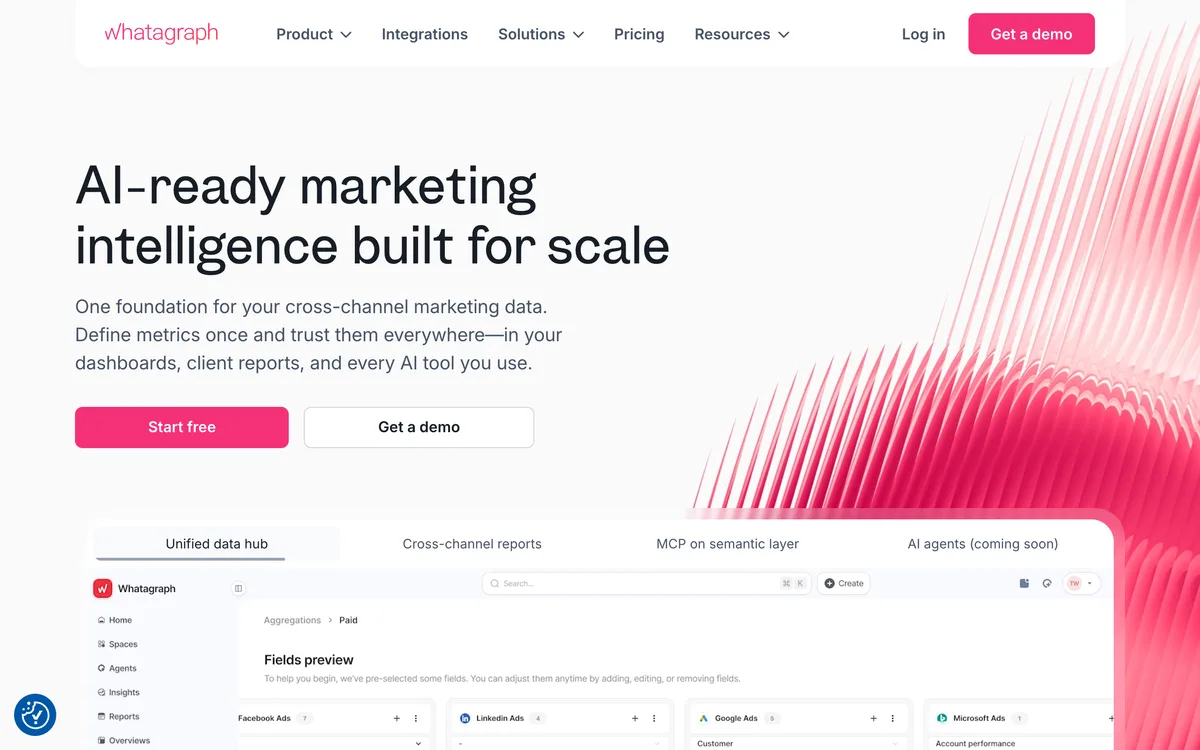
Strength: the cleanest automated client reports in the category, scheduled and sent without manual rebuilding. Limitation: it is a reporting and visualization layer, not an attribution engine or optimizer, so insight depth is shallower than a specialist. Pricing starts at $229/month billed annually, with white-label branding on higher tiers (Whatagraph pricing). Best for: agencies reporting many channels to many clients on a schedule.
8. AgencyAnalytics: Best for agency dashboards at scale
AgencyAnalytics is a client-reporting platform with 80+ integrations, automated dashboards, and white-label delivery for agencies managing many accounts. It automates visualization and client delivery across a large roster.
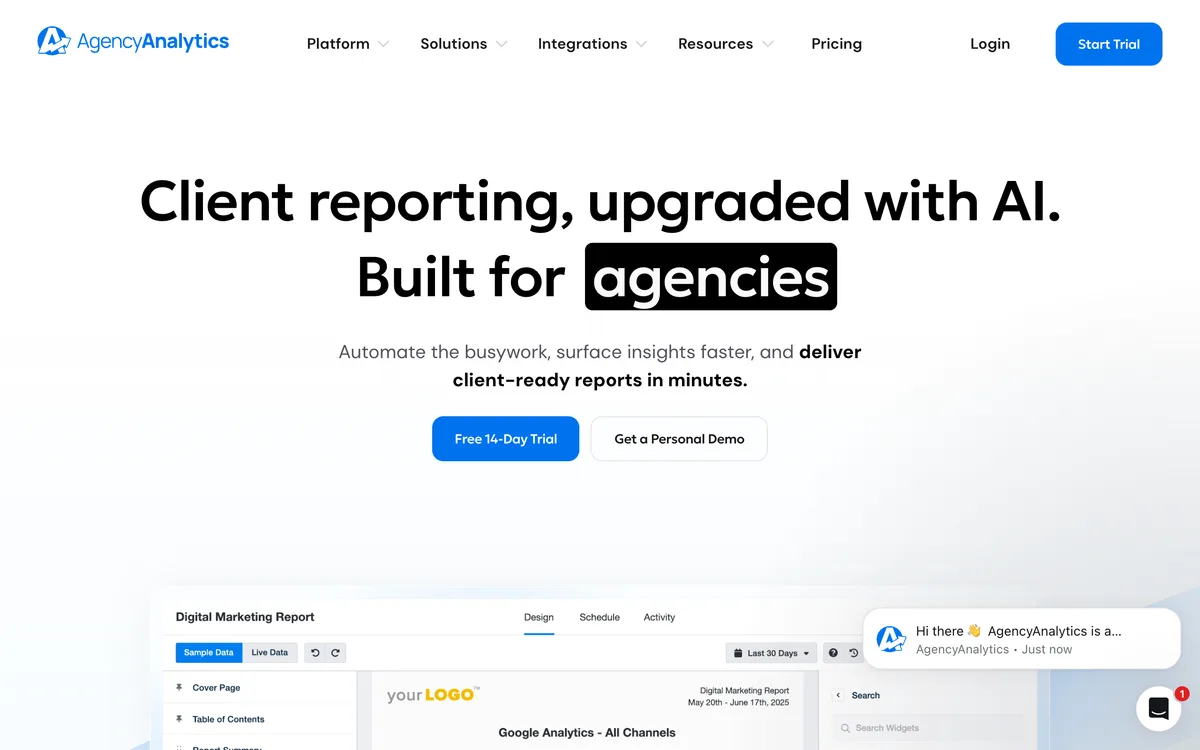
Strength: breadth of integrations and per-client pricing make it efficient for large client lists that need one consistent reporting backbone. Limitation: it is built for breadth over depth, so single-channel analysis is lighter than a specialist. Pricing starts at $239/month on the Agency plan, scaling per client (AgencyAnalytics pricing). Best for: agencies that need many white-label client dashboards across channels.
9. DashThis: Best simple automated dashboards
DashThis is a marketing reporting tool that builds automated dashboards from preset templates and refreshes them on a schedule. It automates visualization with the lowest setup effort in the category.
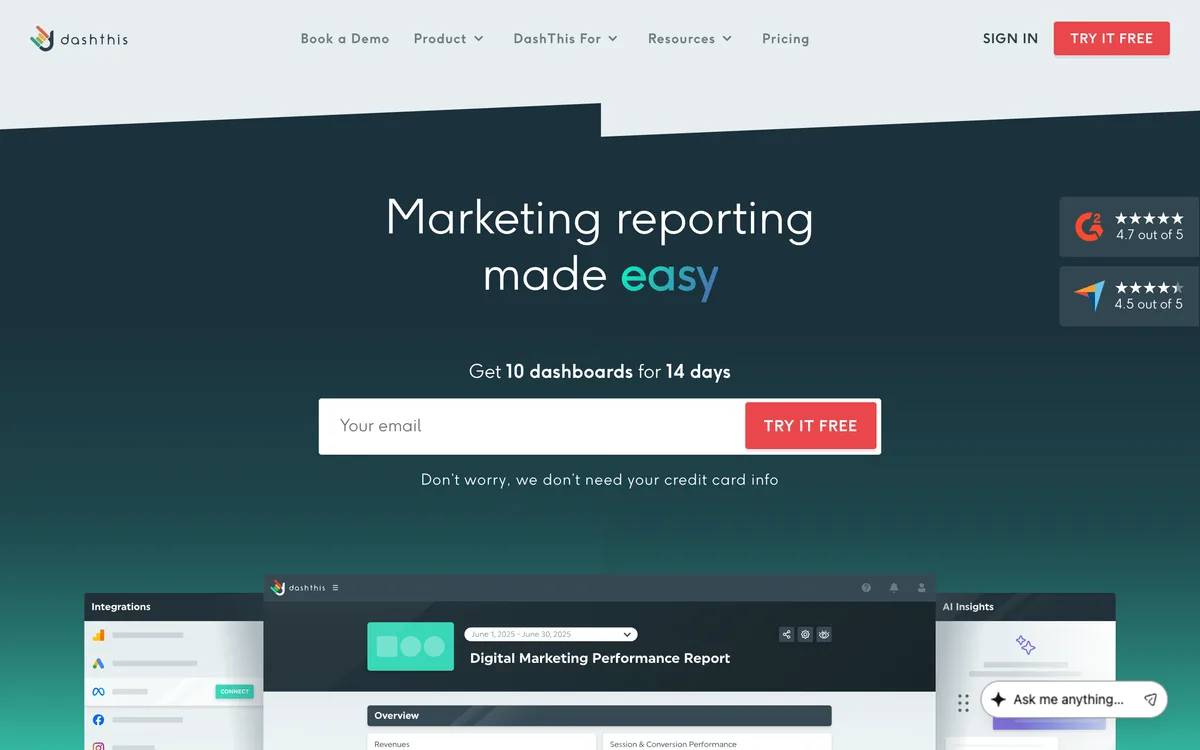
Strength: fast to set up with templates, unlimited users, and a low entry price, which suits lean teams. Limitation: it is a dashboard layer, so it reports but does not attribute or optimize. Pricing starts at $49/month (or $42/month billed yearly) with a 15-day free trial (DashThis pricing). Best for: small teams and freelancers that want automated dashboards without complexity.
10. Swydo: Best for reporting plus monitoring
Swydo is a reporting and monitoring tool that automates client reports and adds KPI alerts so problems surface before the next report. It automates visualization and basic monitoring together.
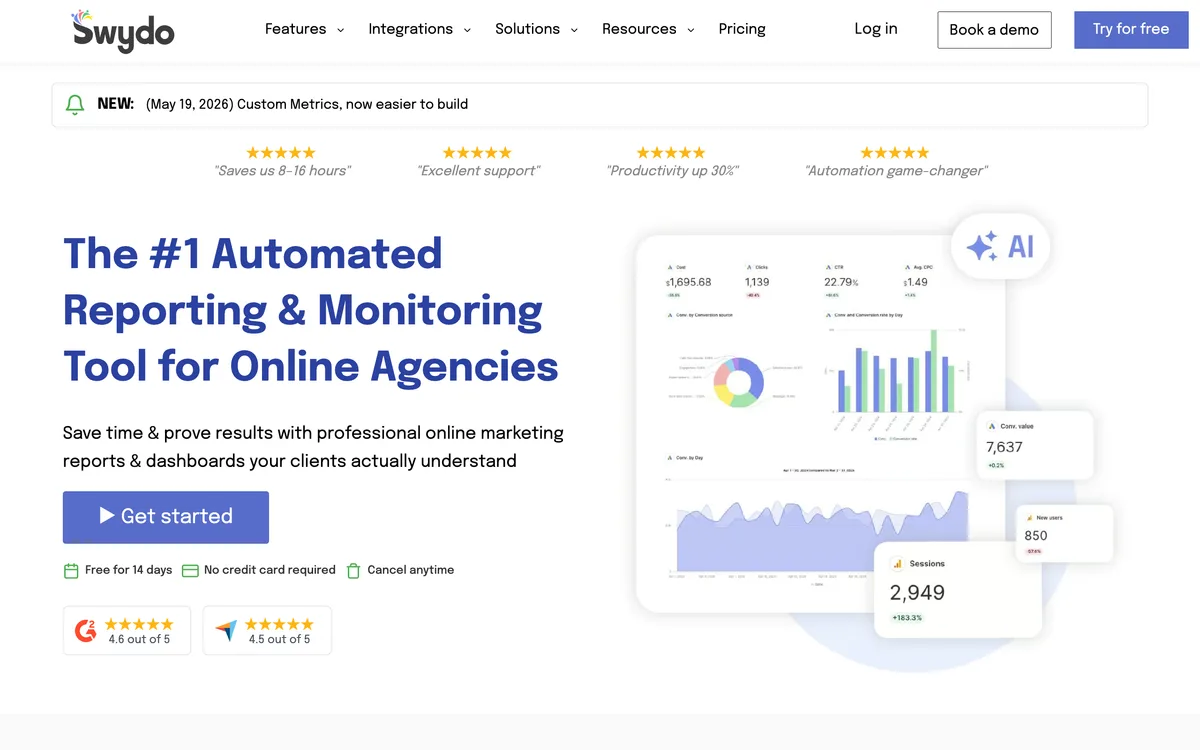
Strength: per-data-source pricing with unlimited users, clients, and reports, plus KPI monitoring that flags issues between reports. Limitation: costs rise with every connected ad account or property, so heavy multi-account setups add up. Swydo's base plan includes the first 10 data sources, with additional sources priced per source (Swydo pricing). Best for: agencies that want automated reports plus alerting in one tool.
11. Triple Whale: Best for DTC ecommerce reporting
Triple Whale is an ecommerce analytics platform whose first-party pixel and summary dashboard pull Meta, Google, TikTok, and more into one source of truth for DTC brands. It automates collection and attribution in a single operator view.
Strength: purpose-built for Shopify DTC, with first-party attribution and a mobile dashboard that automates the daily numbers check. Limitation: value concentrates in ecommerce, so lead-gen and non-Shopify teams get less from it. Pricing is custom and scales with revenue and add-ons (Triple Whale pricing). Best for: Shopify DTC brands running paid social and search together.
12. Motion: Best for automated creative reporting
Motion is a creative analytics platform that auto-tags ad creative and connects elements like hooks and formats to performance across Meta, TikTok, YouTube, and LinkedIn. It automates the creative side of reporting that spreadsheets cannot handle.
Strength: reports show the creative asset next to its metrics and update automatically as new ads launch, saving the hours lost to manual creative reporting. Limitation: it is a reporting and analytics layer, so it surfaces insight but does not execute the budget or creative change. Pricing starts at $250/month on the Starter plan for brands spending up to $50,000/month, with a 14-day free trial (Motion pricing). Best for: paid social teams that want creative reporting automated and client-ready.
Feature comparison: which reporting layer each tool automates
| Tool | Layer automated | Primary job | Best fit | Starting price |
|---|---|---|---|---|
| Hawky | Reporting + action | Reports, then optimizes | Brands and agencies | Outcome-based + pilot |
| Supermetrics | Collection | Data connector | BI-led teams | ~$39/mo |
| Funnel | Collection | Marketing data hub | Mid-market to enterprise | Low hundreds/mo |
| Improvado | Collection | Enterprise aggregation | Large teams | Quote-based |
| Adverity | Collection | Data integration | Analyst teams | Quote-based |
| Looker Studio | Visualization | Free dashboards | Google-centric teams | Free |
| Whatagraph | Visualization | White-label reports | Agencies | $229/mo |
| AgencyAnalytics | Visualization | Agency dashboards | Large client rosters | $239/mo |
| DashThis | Visualization | Simple dashboards | Lean teams | $49/mo |
| Swydo | Visualization + monitoring | Reports plus alerts | Agencies | Per data source |
| Triple Whale | Collection + attribution | DTC dashboard | Shopify DTC | Custom |
| Motion | Creative reporting | Creative analytics | Paid social teams | $250/mo |
Which layer to automate first to actually cut reporting time
The fastest way to halve reporting time is to automate the layer where your hours actually go. Buying the wrong layer is how teams end up with four tools that overlap and still spend a day a week on reports.
If your hours go to exporting and cleaning data, a connector or hub (Supermetrics, Funnel, Improvado, Adverity) removes the most time first. If your hours go to rebuilding the same dashboard, a reporting tool (Looker Studio, Whatagraph, AgencyAnalytics, DashThis, Swydo) automates visualization and scheduled delivery. (What is incrementality? is the kind of question these layers still cannot answer for you.)
If your hours go to interpreting the report and acting on it, none of those layers helps, because they all stop at the chart. That is the expensive step, and it is where an agent earns its place: reading the report and making the move, then logging why. A pile of point tools never compounds, because the reporting tool never learns what the optimization tool found.
How to choose an advertising automation tool for reporting
If you only need cleaner data in a tool you already use, start with a connector like Supermetrics or a hub like Funnel. If you need polished client reports across many accounts, Whatagraph, AgencyAnalytics, DashThis, or Swydo will automate the delivery, while Looker Studio does it free for Google-centric stacks.
If you are a Shopify DTC brand, Triple Whale automates the daily numbers in one dashboard, and if creative is your bottleneck, Motion automates the creative reporting layer. Most teams end up paying for three or four of these tools that still leave the interpreting and acting to a human.
If your real goal is to cut reporting time in half and not just move it around, automate the interpretation too. An agentic platform like Hawky reports at the element level and then acts on the report against your KPI, with an audit trail and one-click undo keeping you in command. Consolidating reporting and action onto one system that runs Meta, Google, and YouTube together is how you stop paying for insight you never have time to use.
Frequently asked questions
What are advertising automation tools?
Advertising automation tools remove manual steps from running and reporting on paid campaigns, such as pulling data from each platform, refreshing dashboards, or optimizing budgets. For reporting specifically, they automate collection, visualization, and in some cases interpretation. The most advanced ones, like Hawky, automate the action that follows the report, not just the report itself.
How do advertising automation tools cut reporting time in half?
They cut reporting time by removing the three manual steps that consume it: exporting and cleaning data, rebuilding dashboards, and writing the analysis. Connectors automate collection, dashboard tools automate visualization, and agentic platforms automate interpretation and the optimization that follows. Automating the interpretation layer saves the most time because it is the step a faster spreadsheet cannot speed up.
What is the best advertising automation tool for reporting in 2026?
The best tool depends on which layer eats your hours. Supermetrics and Funnel lead for automating data collection, Looker Studio and Whatagraph lead for automated dashboards, and Hawky leads for teams that want reporting and the resulting action automated in one system. Hawky reports at the element level and then optimizes against your KPI across Meta, Google, and YouTube.
Can an advertising automation tool optimize campaigns, not just report?
Most reporting tools stop at the chart and wait for a human to act. Agentic platforms like Hawky read the report and make the budget or creative move themselves, then log why. The trustworthy ones keep humans in command with guardrails, approval gates, and a reversible audit trail, so you can start in shadow mode and grant more autonomy as trust builds.
How much do advertising automation tools cost in 2026?
Pricing ranges widely. Dashboard tools like DashThis start around $49/month, connectors like Supermetrics start around $39/month, agency platforms like Whatagraph and AgencyAnalytics start around $229 to $239/month, and enterprise data platforms like Improvado and Adverity are quote-based. Agentic platforms like Hawky use outcome-based pricing, a subscription minimum plus KPI-tied upside.
Which advertising automation tool is best for agencies?
For agencies, Whatagraph, AgencyAnalytics, DashThis, and Swydo lead for automated white-label client reporting across many accounts. Agencies that want to act on the data, not just present it, add an agentic platform like Hawky on top. Hiveminds, an agency, cut CPL by 27% and saved 160+ hours per brand monthly using Hawky's agents.
If your reporting tools tell you what happened but the work of acting on it still lands on your team, Hawky's Performance Agent and Creative Agent report on your account and act on it against your KPI, with guardrails and a full audit trail keeping you in command.
Ready to hire your first AI performance team? Book Demo